
How To Change or Recover Your Password
Send yourself a password reset by following these steps:
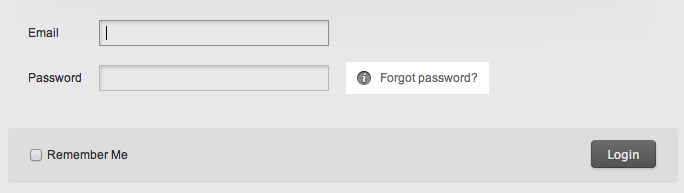 Figure 2:
 Figure 3:
 How to Change Your Password:
- Click the 'Forgot password?' link in the 'Login' page. (figure 1)
- You'll land on this page: http://andreoulaser.com/lostpass
- Enter your email address and click 'Reset Password' (figure 2)
- Check your email inbox for the email address attached to your account. andreouLASER will send you a message right away.
- Click the reset link in that email, and choose a new password.
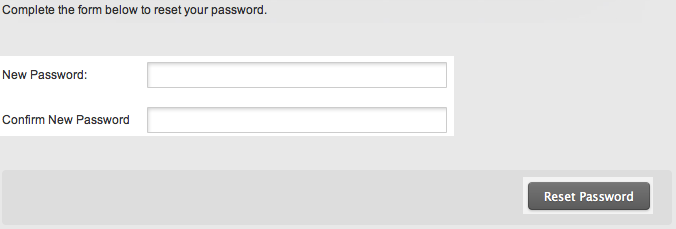
- Choose a strong password, ideally with letters and numbers. Then click 'Reset Password'. Keep your andreouLASER account secure by choosing strong passwords that no one would guess (figure 3).
- Log in to www.andreoulaser.com and click on your account settings page. Then click 'Change Password'.
- Enter your current password.
- Choose and verify your new password.
- Save your changes by clicking "Save".