
How To Verify Your Email Address
How to verify a new email address:
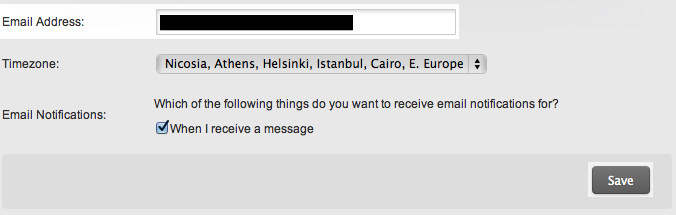 Figure 2:
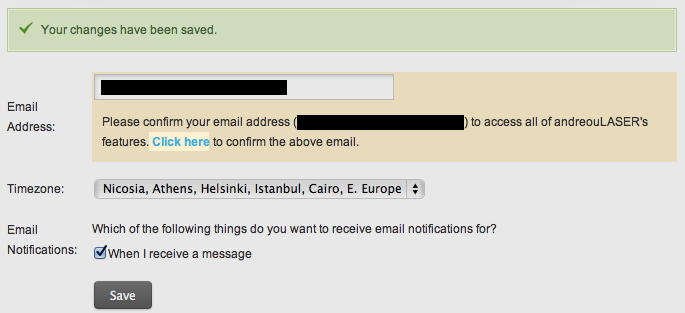 Figure 3:

- Click on your account settings page. (If there is an old address there, delete and type over it.)
- Click the 'Save' button at the bottom of the page to update your email address.
- You will see a note that your email is pending confirmation (highlighted in yellow, as shown in figure 2 or 3). Click on the 'Click here' link to verify your email.
- Go to your email address inbox and find the message from andreouLASER asking you to confirm your address.
- Click the link to verify that the address is correct. You may be asked to log in to your account.