
How To Change Your Email Address
andreouLASER uses your email address to let you know about changes to your account. It is important you know what email address is associated with your account at all times. Here's how to change your email address. (Remember, an email address can only be associated with one andreouLASER account at a time.)
First, choose a new address:
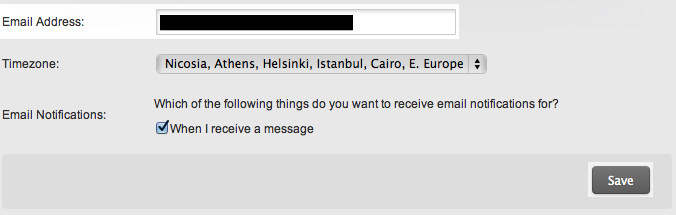 Figure 2:
First, choose a new address:
- Log in to www.andreoulaser.com and click on your account settings page.
- You'll find the email address field. Type your new email address into the email field. (figure 1)
- When you have entered your new email address in the email field, click 'Save' at the bottom of the page.
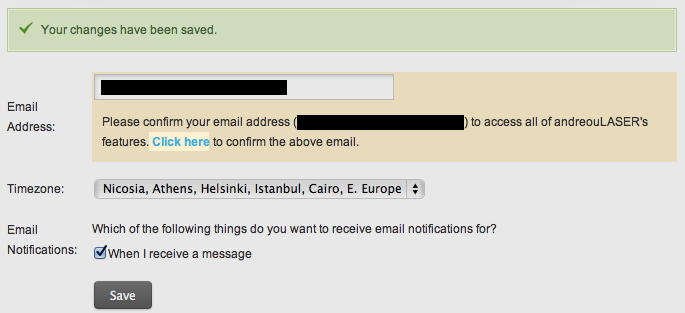
- You'll see a yellow box asking you to confirm your email change. It will stay there until you complete the steps below.
- Click blue 'Click Here' to confirm your email. (figure 2)
- Now, log in to your new email's inbox. You should see a new message from andreouLASER. Open it.
- Click on the verification link in that email.
- You should then be directed to andreouLASER. Your change is now complete!